
Compare Canva and Pixores to see which tool is better for fast YouTube thumbnail creation.
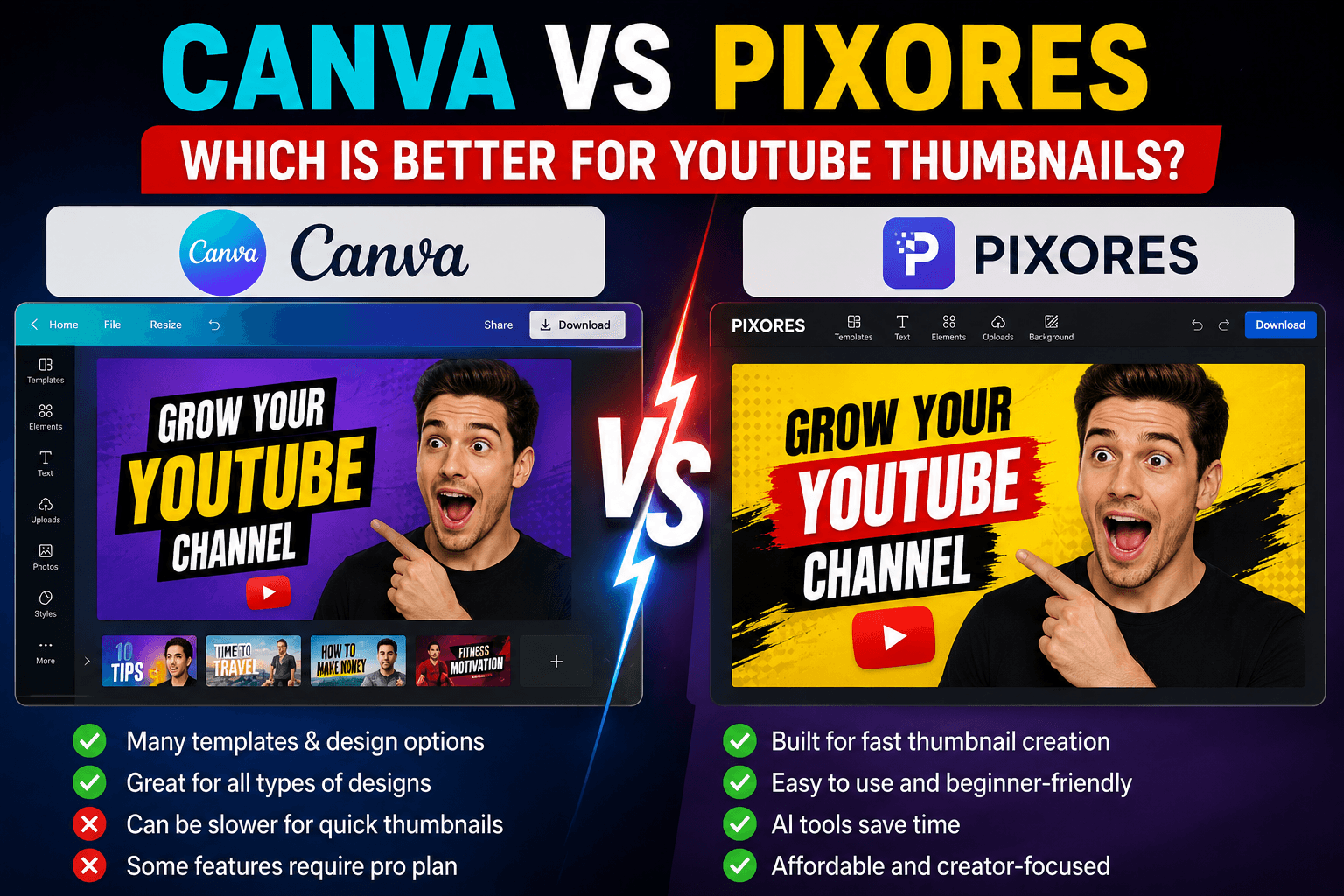
Canva vs Pixores: Which Is Better for YouTube Thumbnails?
Compare Canva and Pixores to see which tool is better for fast YouTube thumbnail creation.
Canva vs Pixores: Which Is Better for YouTube Thumbnails?
Canva is one of the most popular design platforms in the world. It is powerful, easy to use, and filled with templates.
But for creators who mainly need fast YouTube thumbnails, a focused tool like Pixores can be a better option.
What Canva Does Well
Canva is great for many types of design.
You can use it for:
Presentations
Social media posts
Posters
Logos
Documents
Thumbnails
It has many templates and design elements.
The downside is that it can sometimes feel too broad if you only want to create a thumbnail quickly.
What Pixores Does Well
Pixores is focused on image tools and creator workflows.
It can help with:
Thumbnail creation
Background removal
Image enhancement
Image upscaling
Image compression
For YouTubers, this is useful because thumbnails often require multiple image tasks in one workflow.
Which Tool Is Faster?
Canva is powerful, but Pixores can be faster for simple creator tasks.
If you need to remove a background, improve an image, resize it, and create a thumbnail, Pixores can keep that process simple.
Which Tool Should You Use?
Use Canva if you need a broad design platform with many templates.
Use Pixores if you want fast image editing tools focused on thumbnails, backgrounds, and image quality.
Final Thoughts
Both tools can be useful.
Canva is a general design platform. Pixores is a focused image tool platform for creators who want fast results.
Try Pixores Thumbnail Creator if you want to create YouTube thumbnails quickly and easily.
Learn more in How to Create a YouTube Thumbnail.
Try the Pixores Thumbnail Creator.